
Adding a friend
By code, by QR, and what a pending request means.
You play online only with friends. There's no random queue, so nobody you haven't chosen can start a match with you.
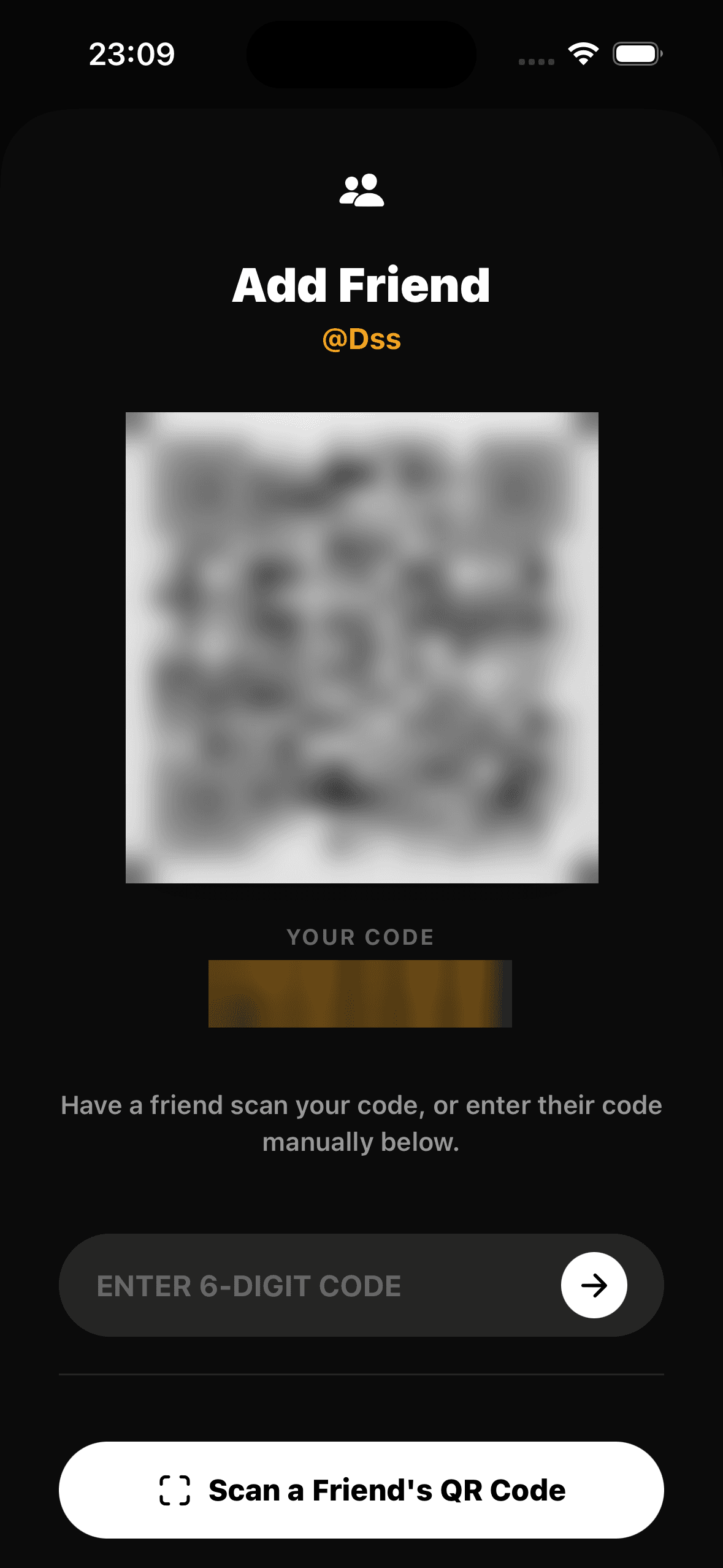
Next to you: QR
- Your QR — show it to someone next to you. When they scan it, they send you a friend request.
- Scan a code — point the camera at a friend's QR to send them a request.
Not with you: a code
- Your code — six characters. Send it to a friend who isn't with you.
- Enter a code — type a friend's code to send them a request.
Requests
The Friends tab shows requests waiting for you and the ones you sent. Until a request is accepted, the friend shows greyed out and can't be picked for a match.
Screenshot to comefriend-request-pending.png